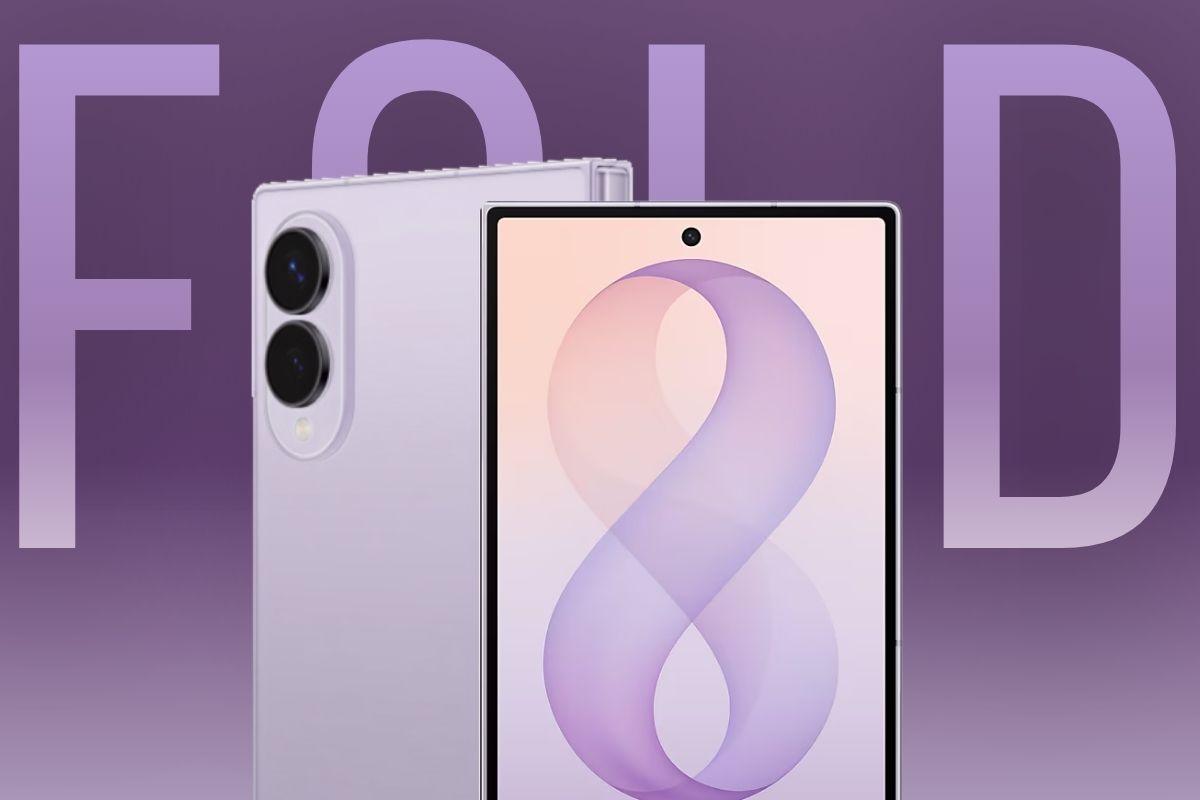
The Galaxy Z Fold 8 is out here doing the job of three different gadgets. Phone use runs through the 5.5-inch cover screen. Once you unfold it, the 7.6-inch inner display picks up tablet duties, reading, video, and so on. And for actual work, Samsung DeX turns that same display into a desktop, keyboard, mouse, monitor, everything included.
Quick Facts
| Device | How the Fold 8 Replaces It |
| Smartphone | 5.5-inch cover display handles calls, apps, and one-handed use |
| Tablet | 7.6-inch inner display supports reading, video, and split-screen multitasking |
| Laptop | Samsung DeX creates a desktop layout with keyboard, mouse, and monitor support |
Samsung officially unveiled the Galaxy Z Fold 8 at Galaxy Unpacked in London on July 22, 2026. The device starts at $ 1,899.99 for the 256GB model and ships on August 7, 2026.
How It Replaces Your Smartphone?
Yes. Closed, it works as a complete standard smartphone — 5.5-inch cover display, dual 50MP cameras, side fingerprint unlock, full calling and app support.
Close it up, and the Z Fold 8 behaves exactly like any regular phone. You’ve got a 5.5-inch cover display, Dynamic AMOLED 2X, running at 1972 by 1248, with the refresh rate adjusting itself between 1Hz and 120Hz on the fly. Samsung’s managed to keep it at 201 grams too, which makes it the lightest book-style foldable they’ve put out so far.
On the back, there’s a 50MP main camera with optical stabilization at f1.9, paired with a 50MP ultrawide at f1.8. Low-light shots get help from Nightography, video stays steady thanks to Super Steady with horizontal lock, and Dual Recording shoots from front and back cameras at once. Unlocking is handled by a side-mounted fingerprint sensor; folded or unfolded, it doesn’t matter.
How It Replaces Your Tablet?
Yes for reading, video, and multitasking — the 7.6-inch inner display supports Multi Window and HDR, though it lacks S Pen support, which the Z Fold 8 Ultra offers instead.
This is really where a foldable phone replaces tablet habits. Open it up, and you get a 7.6-inch Dynamic AMOLED 2X panel, running at 2448 by 1848, with brightness climbing to 3,000 nits. The anti-reflective coating actually makes a difference outdoors, not just a spec sheet claim. And yes, HDR10, HDR10+, HLG, all covered.
Multi Window’s in play too, so two or three apps can sit side by side. But here’s the catch: no S Pen, not on either screen. Samsung was upfront about this at launch; it’s the tradeoff for the slimmer 4.5mm unfolded design and the 201 gram weight. Need a stylus for notes? Then the Z Fold 8 Ultra makes more sense; it keeps the same processor and DeX setup but adds S Pen support.
How It Replaces Your Laptop?
Curious how Galaxy Z Fold 8 vs laptop actually plays out once you’re at your desk? Samsung DeX mode is the answer. It reshapes the unfolded screen into a windowed desktop, taskbar and resizable windows included, plus drag-and-drop for files. Once you connect a Bluetooth keyboard and mouse, it stops being just a phone with room to spare and starts working a lot like a compact laptop. Plug it into an external monitor over USB-C, and the phone handles trackpad duty while the bigger screen takes over.
The Snapdragon 8 Elite Gen 5 for Galaxy processor powers this, paired with 12GB of RAM on the 256GB and 512GB models and 16GB on the 1TB variant. That combination sustains DeX multitasking without the thermal throttling that affected earlier Fold generations attempting the same thing. It won’t replace a laptop for heavy video editing or high-end gaming, but for documents, email, spreadsheets, and video calls, which covers most people’s actual daily laptop use, it holds up convincingly.
Galaxy Z Fold 8 vs Standalone Tablet vs Standalone Laptop
| Feature | Galaxy Z Fold 8 | Standalone Tablet | Standalone Laptop |
| Display | 7.6-inch inner, 5.5-inch cover, up to 3,000 nits | 10.9-inch, up to 500 nits | 13.6-inch, up to 500 nits |
| Processor | Snapdragon 8 Elite Gen 5 for Galaxy | Apple M2 | Apple M3 |
| RAM | 12GB or 16GB | 8GB | 8GB to 16GB |
| Battery | 4,800mAh, up to 26 hours of video | Up to 10 hours | Up to 18 hours |
| Price | 1,899.99 dollars | 599 dollars | 1,099 dollars |
Battery Life and Performance in Daily Multi Mode Use
Samsung’s pushed the battery to 4,800mAh this time, up from 4,400mAh on the Z Fold 7, which translates to up to 26 hours of video playback. That said, jumping between the cover screen, inner display, and DeX throughout the day will drain it quicker than sticking with one mode the whole time; the bigger screen and desktop windowing just pull more power. Still, for a typical day, texting here and there, a DeX video call from your desk, some streaming on the way home, most people won’t need a midday charge.
45W wired charging takes the battery from 0% to 63% in 30 minutes. 20W wireless charging and reverse wireless charging are also supported, and the device is Qi2 Ready for magnetic accessory compatibility.
Software Features Enabling the 3-in-1 Experience
Looking at the Galaxy Z Fold 8 specs sheet, it runs One UI 9.0 on top of Android 17, with Samsung backing it for seven years of software updates. This is also the first time Gemini Intelligence has landed on a Samsung foldable, and it’s already handling task automation across 40-plus apps from day one.
Now Nudge and Multi Window support maintain continuity across all three modes, so a task started on the cover screen can continue seamlessly on the inner display or in DeX without losing progress. The new AI Assistant Activity dashboard in One UI 9 provides a centralized view of whatever automated tasks are running, genuinely useful once DeX has several app windows open at once.
RELATED STORIES


Price vs Buying 3 Separate Devices
| Setup | Approximate Cost |
| Galaxy Z Fold 8, 256GB | 1,899.99 dollars |
| Separate phone, tablet, and laptop, mid-range | 2,297 dollars combined |
| Difference | Fold 8 costs approximately 397 dollars less |
Buying three separate devices also means three chargers, three sets of accessories, and three things to manage day to day. Measured against buying a phone, tablet, and laptop separately at mid-range pricing, the Galaxy Z Fold 8 actually comes out both cheaper and simpler to carry.
Who Should and Shouldn’t Switch?
The Galaxy Z Fold 8 makes sense for professionals whose laptop use centers mainly on documents, email, and video calls. It suits frequent travelers who’d rather carry one device than three, and anyone already running a phone and tablet separately who wants to consolidate into one.
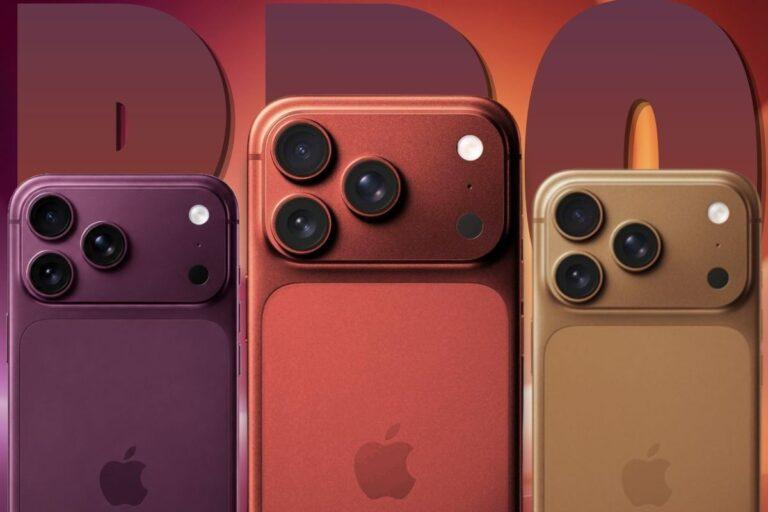
It’s a weaker fit for anyone who specifically needs S Pen stylus input, since this device doesn’t support it. Video editors, developers, and anyone gaming at high settings who needs sustained heavy performance will likely find it limiting. And if you simply prefer thin, single-purpose devices over one device juggling several roles, this isn’t going to change your mind – especially with Apple’s next flagship also generating buzz; the recent iPhone 18 Pro leaks suggest Apple is doubling down on the traditional single-screen approach rather than foldables, which could matter if that’s the ecosystem you’re already invested in.
Limitations and Trade-offs
A visible crease runs down the center of the inner display. It’s less pronounced than on earlier Fold generations but still noticeable at certain angles and under certain light. At 201 grams, this is Samsung’s lightest Fold yet, though folded shut it still measures 9.7mm thick, noticeably thicker than a standard smartphone, which some users do feel in a pocket over a full day.
DeX is genuinely capable but not without friction. Not every Android app is optimized for a windowed desktop layout, and some third-party apps default to a phone-sized view even with DeX active, which can undercut the laptop replacement pitch depending on what apps you actually use. The IP48 rating covers water resistance but not dust resistance, a real gap compared to fully sealed standalone laptops and tablets, worth knowing if you regularly work outdoors. And the price is genuinely high. At 1,899.99 dollars and up, the case for replacing three devices with one holds up financially only if you’d otherwise have bought a mid-range tablet and laptop, not premium standalone gear.
FAQs
Can the Galaxy Z Fold 8 replace a laptop?
For document editing, email, and video calls, yes, through Samsung DeX with a connected keyboard and mouse. For heavy video editing or high-end gaming, a dedicated laptop still performs better.
Is the Galaxy Z Fold 8 worth it instead of buying a tablet?
Yes, if you want one device instead of two. No, if S Pen input is a priority — choose the Z Fold 8 Ultra instead.
What is the battery life of the Galaxy Z Fold 8?
Up to 26 hours of video playback from the 4,800mAh battery, with 45W wired charging reaching 63% in 30 minutes.
Does the Galaxy Z Fold 8 support a keyboard and mouse?
Yes, through Samsung DeX, which also supports external monitor output over USB-C for a complete desktop-style setup.
Sources and References
- Samsung US – Galaxy Z Fold8 Official Product Page
- Android Authority – Galaxy Z Fold 8 Launch Specs and Features
- SamMobile – Galaxy Z Fold 8 Official Launch
- Tom’s Guide – Galaxy Z Fold 8 Hands-On Review
- Android Headlines – Galaxy Z Fold 8 CAD Renders and Specs
- Wikipedia – Samsung Galaxy Z Fold 8